

It’s not very polished, because I am doing a gazillion things at the same time, and I have a day job, and a life, thankyouverymuch.
But Vist is really coming together, and I wanted to show off the keyboard navigation in practice. Did not use the mouse at all while recording this, except for ending the recording ;-)
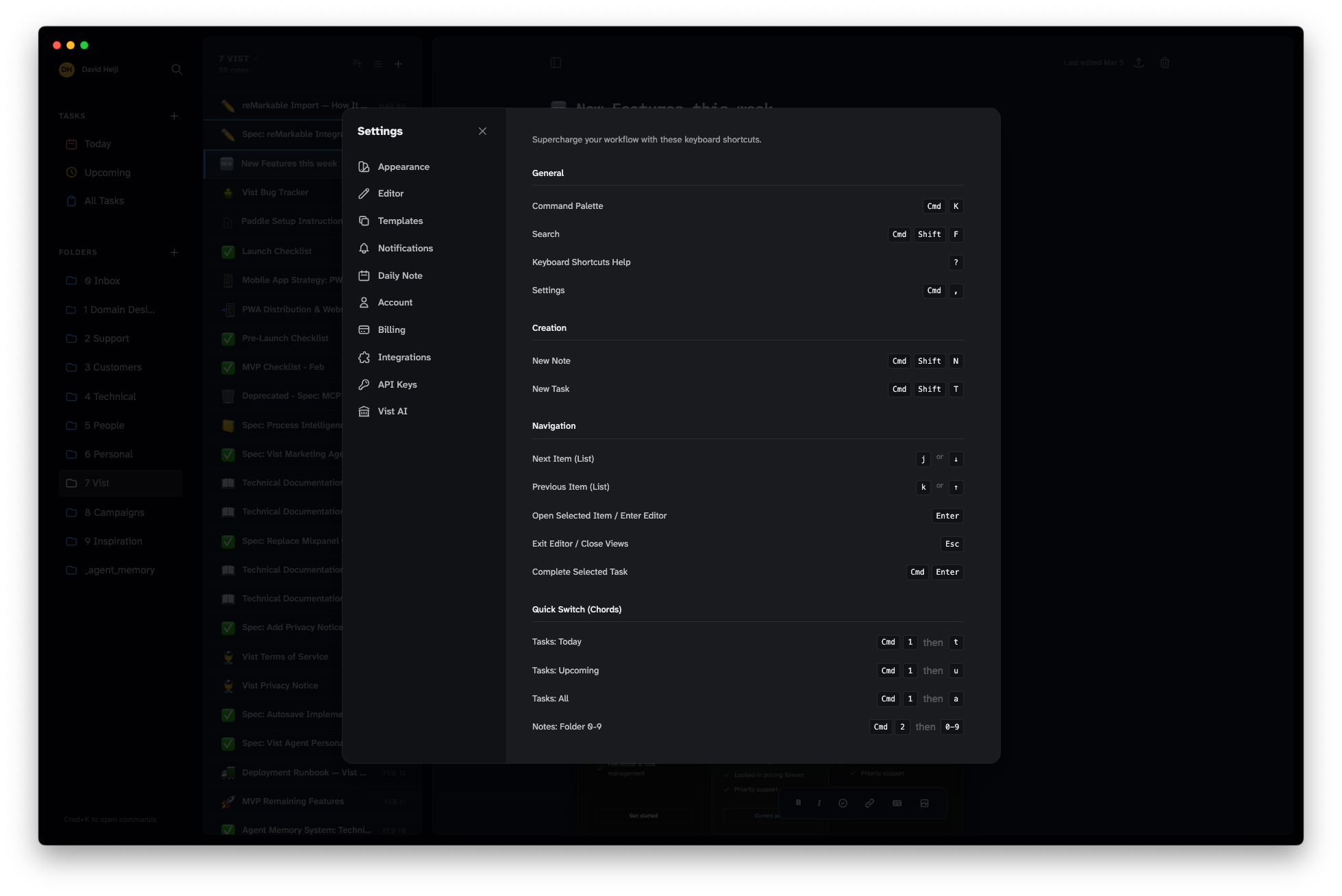
… and that’s the full list of shortcuts for those who might be interested.
Vist is open for business in beta mode. Looking for feedback more than anything, so please do email me at david@usevist.dev.
Get the Mac or Windows apps, or install the web app on your phone from https://usevist.dev


